Why Butter Yellow Text Is Everywhere (and How to Make the Carousel With Claude Design)
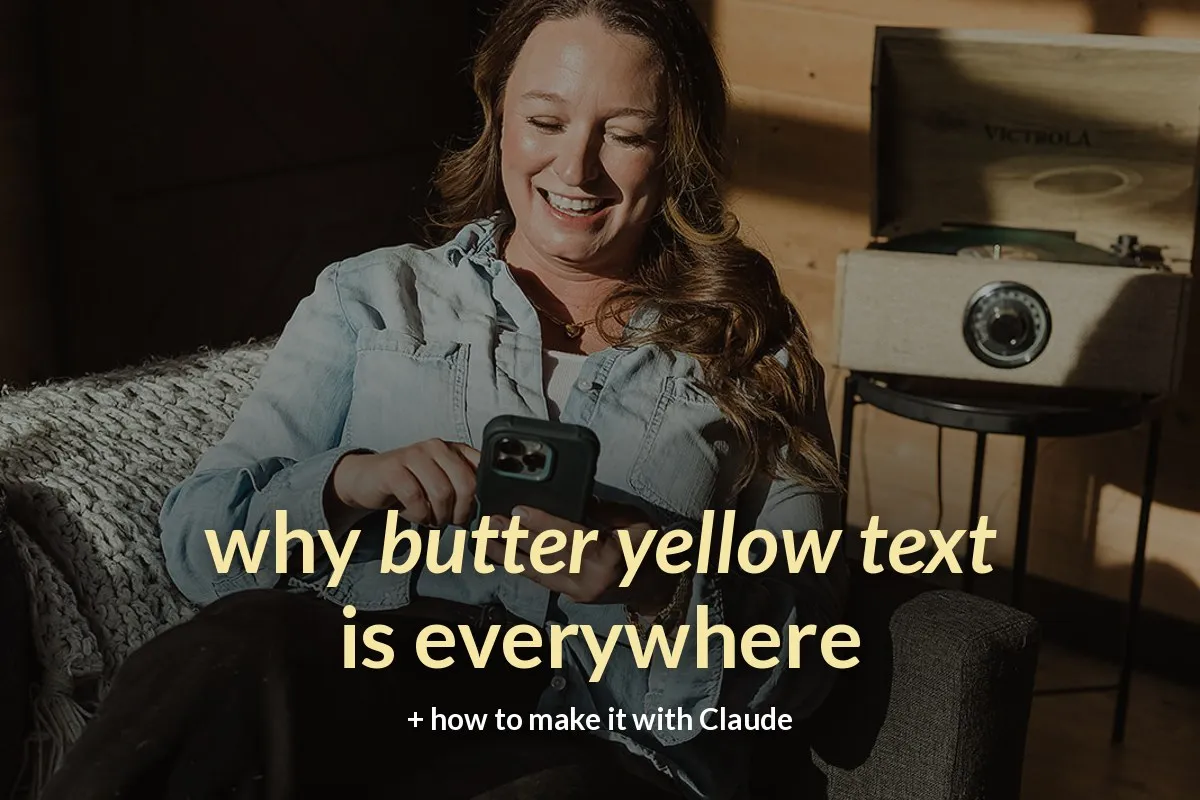
You've seen it. A moody photo, and soft, creamy yellow words floating right on top. No boxes, no stickers, no ten fonts. Just a feeling.
Butter yellow text is having a moment on Instagram, and I get why. It's warm, it's calm, and it lets your photo do the talking.
It also gives me serious PicMonkey flashbacks. Remember sitting up late, typing words over your photos, dragging the text box a smidge left, a smidge right, then starting over because the font looked "off"? (If you know, you know.) The look is back. The late nights don't have to be.
Here's how to make your own butter yellow carousel using Claude, including how to set it up once as a design system in Claude Design so every post after that takes minutes.
And here's the best part: anyone can do this. You don't need to be a designer, and you don't need to be "techy." If you can upload a photo and type a sentence, you can make this carousel. So start here, play with it, and have fun.

Slide 1 of the example carousel, made with the Butter Carousel skill.
Why butter yellow text works
It stops the scroll without shouting. Bright red graphics feel like ads. Soft yellow on a real photo feels like a friend's post.
It makes your photo the star. Your real life, your space, your dog, your work in progress. That's what builds trust.
It's easy to read. Pale yellow sits beautifully on darker, moodier photos.
It's simple to repeat. One colour, one font, a little italic for emphasis. That's a recognizable look.
What's a design system (and why it matters)
Claude Design is Anthropic's visual design canvas inside Claude, available on paid plans (Pro and up). A design system is where you save your colours, fonts and layout rules, so every new project starts on-brand.
Think of it as your brand's recipe card. You write it once, and Claude follows it every time.
How to make a butter yellow carousel in Claude Design
1. Set up your design system (once)
Create a new design system in Claude Design and give it the rules: 1080 × 1350 slides, a full photo background, soft butter-yellow text (I use #F6E7A6), Lato Bold, centred, with one to three words in bold italic. Add a gentle dark tint so the words stay readable.
2. Pick your photos
Tall phone photos with a calm spot for the words, like a wall, the floor, the sky or a dark sweater. Moody light is your friend.
3. Plan one idea per slide
A hook on slide 1, one tip per slide, and one clear call to action at the end. Six slides is plenty.
4. Prompt it, tweak it, export it
Attach your photos, paste your slide copy, then fine-tune by eye. Export your slides and post them in order.

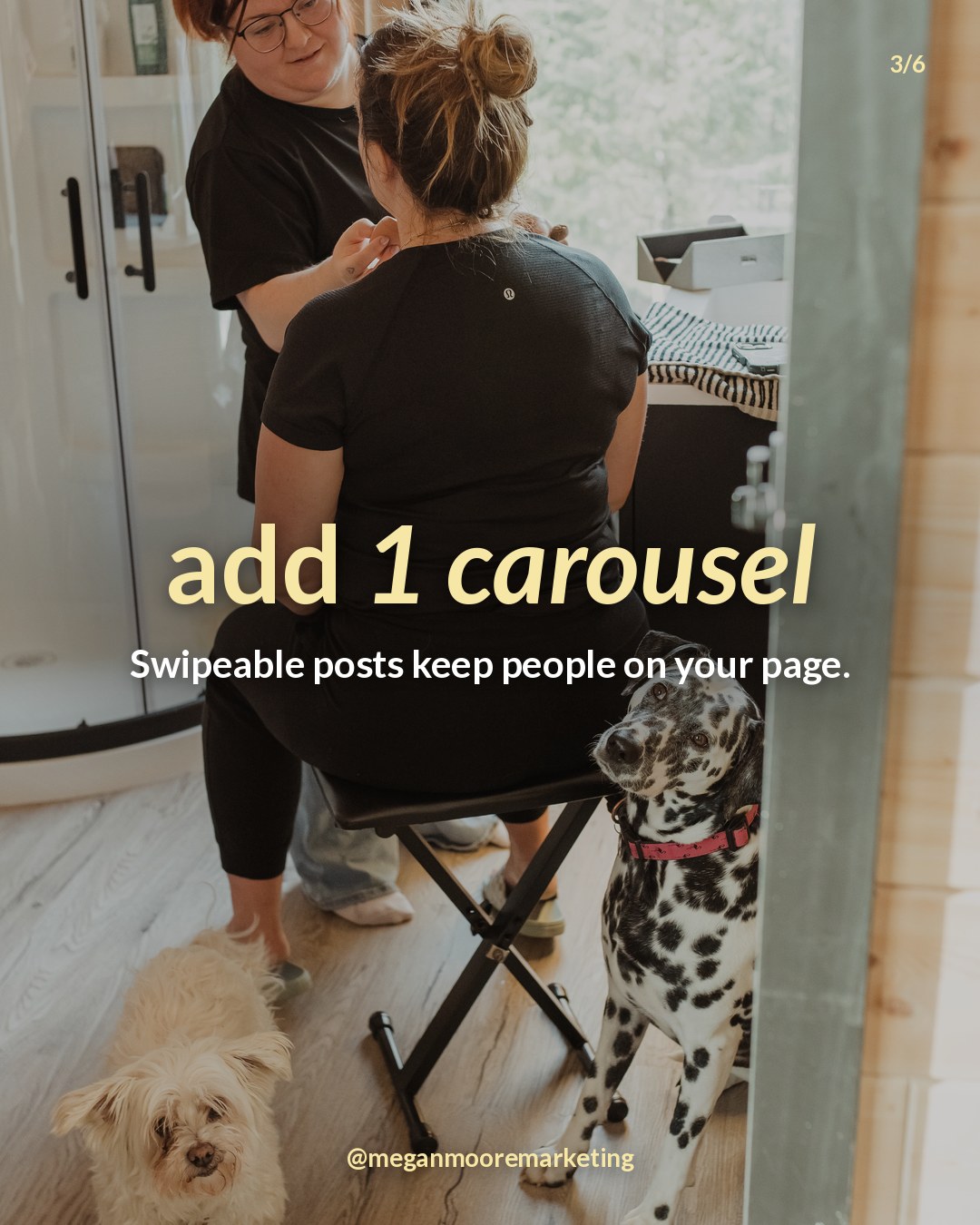
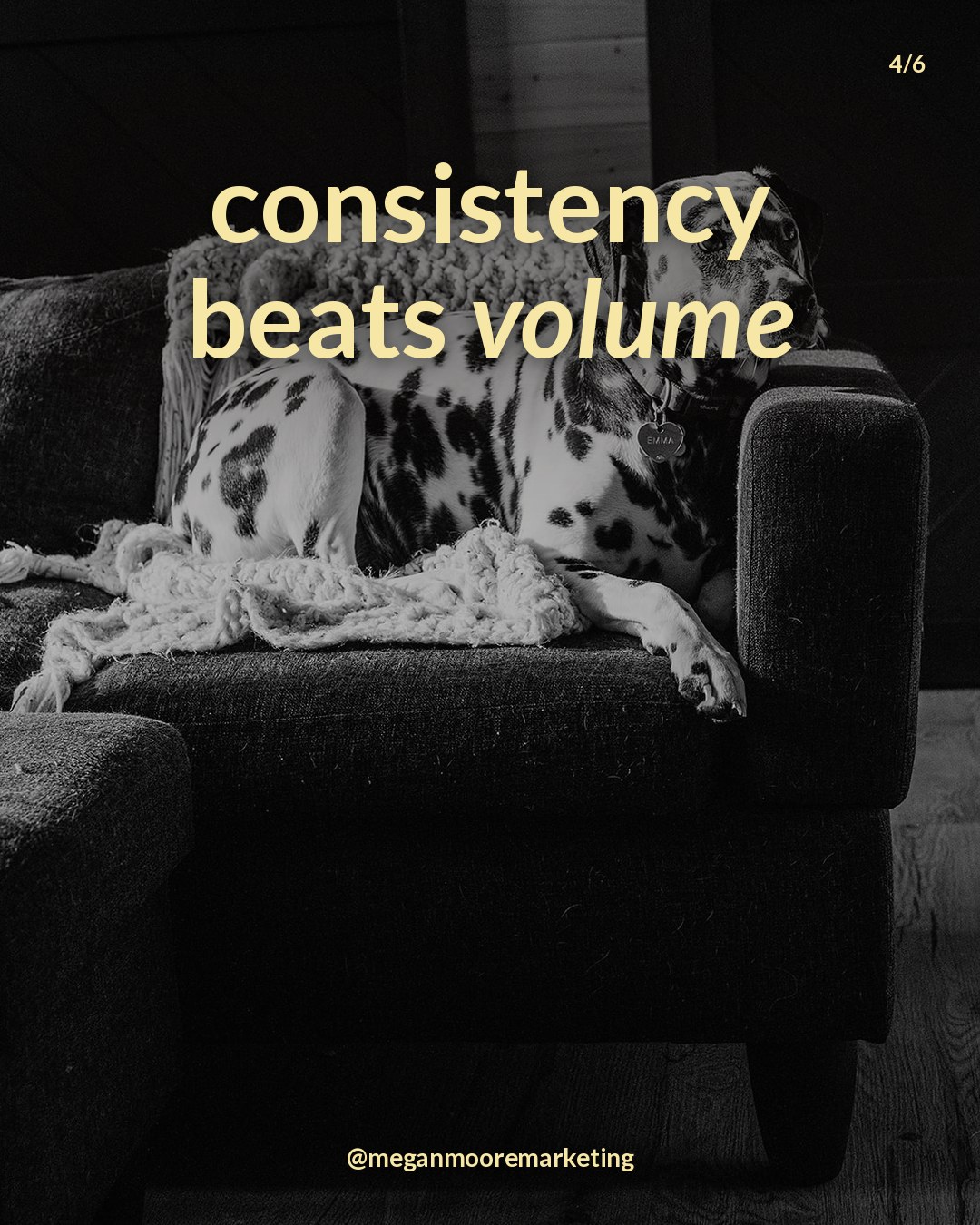
Slides 2–4: one idea per slide, your photo as the background. Photos of Emma by Erin Kirkbride, Golden, BC.
Why I turned it into a skill (and how it saves me hours)
Here's the real story. When a trend like this takes off, it's never one client asking. It's ten, all in the same week: "Can we do the butter yellow thing?"
Doing that by hand is easily ten hours. Picking photos, nudging text around, fighting with placement, matching the yellow, exporting, fixing the one slide where the words cover someone's face.
So I built a Claude skill. A skill is a saved set of instructions you add to Claude once. After that, Claude follows it every time you ask. Now I give it the topic and the photos, run the skill, and the carousel is done. Same look, same placement rules, every time. No more fiddling.
That's why I'm sharing it. It works whether you're:
Making content for your own business and want a pretty, on-trend carousel without spending your whole afternoon on it.
Managing other people's accounts, like a social media manager, VA or agency, and need to deliver the trend for several clients without doing the same work ten times.
Curious about Claude and skills. This is a fun, low-stakes way to see what a skill can do, and once you've used one, you'll start spotting everything else in your week you could hand off the same way.
Anyone can do this. Never used Claude? Never heard of a skill? Perfect. This is the friendliest place to start. Try it on one post, play with your photos, and enjoy watching it come together.
The shortcut: the Butter Carousel Kit
The kit is that exact skill, ready to download and add to your own Claude in about three minutes.
You type your topic, attach your photos, and the skill writes your hook, plans your slides, and makes ready-to-post 1080 × 1350 slides with your photo in the background and butter yellow text on top. It even writes your caption and alt text.
Here's what's inside:
The Butter Carousel skill (works on Free and paid Claude plans)
A quick-start guide that walks you through setup, photos and posting
A finished example carousel so you know exactly what you'll get
Hook and caption prompts, plus 20 carousel ideas
Your Claude Design kit: the design system brief and carousel prompt, ready to paste
The Butter Carousel Kit · $27
Your first scroll-stopping butter yellow carousel, made with Claude.Launch special: $17 for 48 hours, until Wednesday, October 14 at 9 PM MT. The discount applies automatically at checkout.
FAQ
Do I need a paid Claude plan?
No, not for the skill. Skills work on free and paid plans; you just turn on code execution in your settings. Claude Design needs a paid plan, so it's an optional bonus.
What colour is butter yellow?
A soft, creamy yellow. I use #F6E7A6. Anything in that pale, warm range works.
What photos work best?
Tall, real-life photos with a calm area for the words and slightly moody light.
Will it work for my industry?
Yes. Coaches, salons, realtors, makers, wellness pros: if you have photos and something helpful to say, it works.
💌 Want simple marketing systems every week? Join me on Substack. It's free →
Want it done for you?
If you'd rather hand your content off completely, see my packages → or message me on WhatsApp →
P.S. My blog, shop and this kit's checkout all run on Ivorey. It's my all-in-one home for marketing systems.
Go make something pretty.
Megan xo
Disclosure: This post links to my own product. It also contains an affiliate link for Ivorey, the platform I build on; using it costs you nothing extra. Claude and Claude Design are products of Anthropic. I'm not affiliated with Anthropic.